Device Requirements

• Samsung Galaxy A54 5G (SM-A546E or SM-A546B)

• Stock firmware with the required bootloader

• Unlocked bootloader

PC Requirements

• Windows 10 or Windows 11 (64-bit recommended)

• Odin (Samsung flashing tool)

• Samsung USB Drivers

Recovery Requirements:

• TWRP (Team Win Recovery Project) or

• OrangeFox Recovery

• Compatible with your device model

File Requirements

• LichUI ROM

Essential Backups:

• Personal data backup (photos, contacts, etc.)

• App data backup (using Titanium Backup or similar)

• EFS partition backup (for IMEI restoration)

Backup Storage:

• External storage device

• Cloud storage service

• PC with sufficient space

• Multiple backup locations (recommended)

⚠️ WARNING: Installing custom firmware can damage your device if not done correctly. Proceed at your own risk.
⚠️ Guaranteed: Unlocking the bootloader and installing a custom ROM can void your device's warranty, cause loss of knox, among other things.

Firmware Stock

• Samsung Galaxy A54 5G (SM-A546E o SM-A546B)
• Download firmware stock required for LichUI (view Add-ons page), and extract
• Download and extract Odin
• Download and install Samsung Driver
• Reboot your device into bootloader mode
• Connect your device to your PC via USB
• Open Odin and select firmware sctock files; Bl, AP, CP, CSC
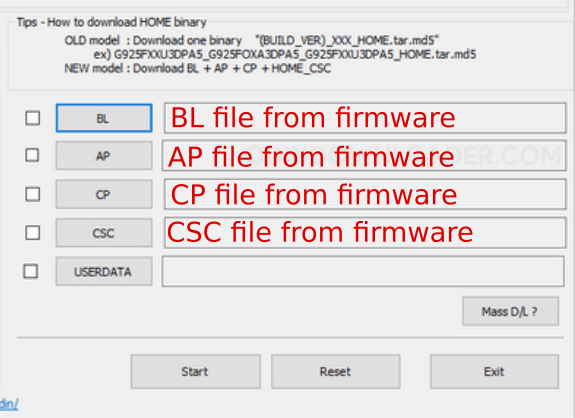
Odin Firmware Selection
• Click on Start and wait for the process to finish
• Odin finishes autoreboot and skip initial setup
• Connect your device to internet
• Activate developer options
• Enable OEM unlocking and USB debugging
• Continue with recovery installation
Custom Recovery

• Reboot your device into bootloader mode
• Connect your device to your PC via USB
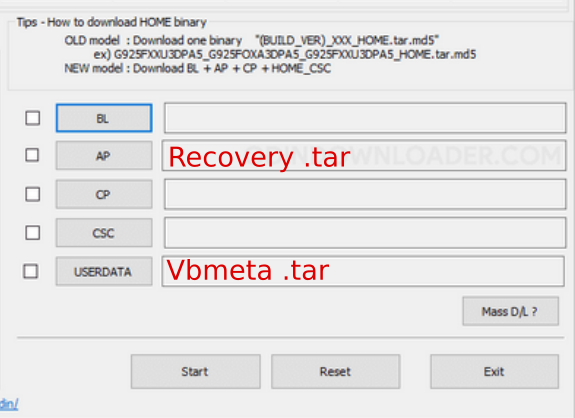
• Open Odin and select files; Recovery in AP, Vbmeta in USERDATA
Odin Recovery Selection
• In Odin Options uncheck auto-reboot
• Click on Start and wait for the process to finish
• Now hold down the power and volume down buttons until the device turns off the screen, quickly hold down the power and volume up buttons.
• Now in the recovery, you have to do "Format data"
• Reboot system and skip initial setup<
• Connect your device to internet
• Activate developer options
• Enable OEM unlocking and USB debugging
• Continue with LichUI installation

LichUI

• For this step you must already have the required stock firmware and custom recovery installed
• Download LichUI ROM (LichUI_X.X.X_a54x), and coppy in your device internal storage
• Reboot in recovery mode
• Flash LichUI ROM
• Format data
• Reboot system
• Enjoy LichUI

1. Download last UI7 stock and flash with odin

SM-A546E

SM-A546B

2. Check bootloader unlock in UI7

If you flash the latest UI7, check the following:

• If under OEM unlocking in Developer options it says something like "Autoblocker" > find Autoblocker in settings and disable it.

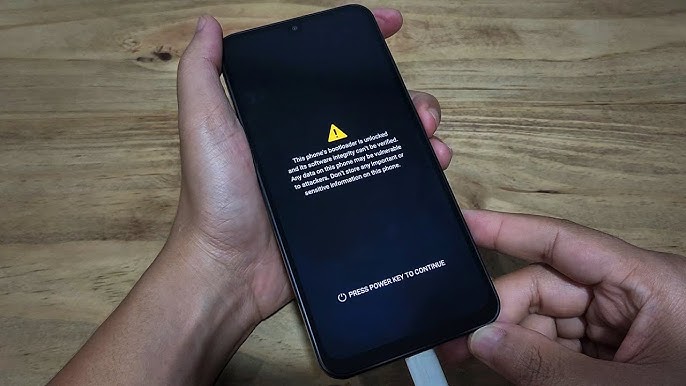
• If the bootloader is unlocked in UI7, check the "Press power key to continue" screen at startup.

Bootloader Unlock

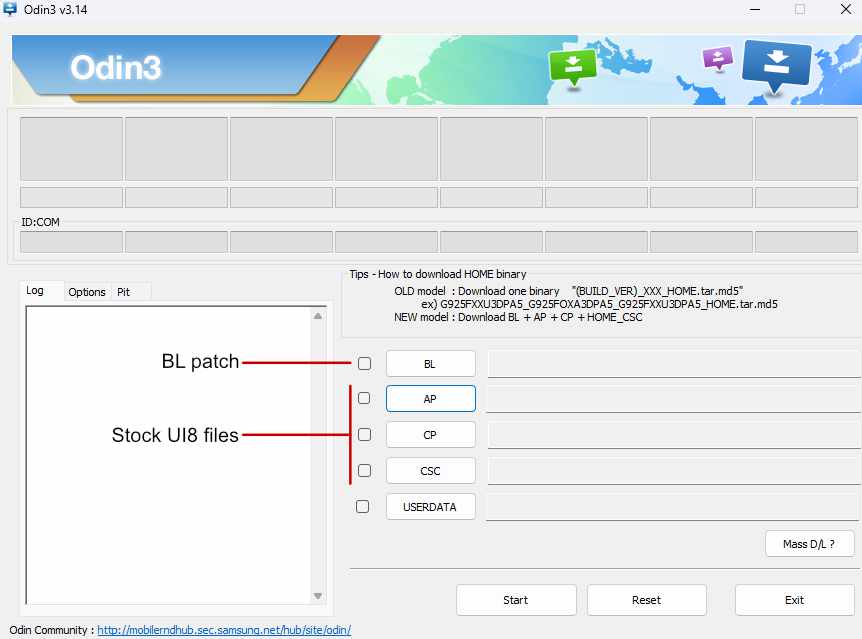
3. Flash UI8 with BL patch

Download firmware stock and bl in Add-ons

• Use BL patch in BL seccion in Odin

Bootloader Unlock Odin

4. Check that everything is okay

• Bootloader unlock

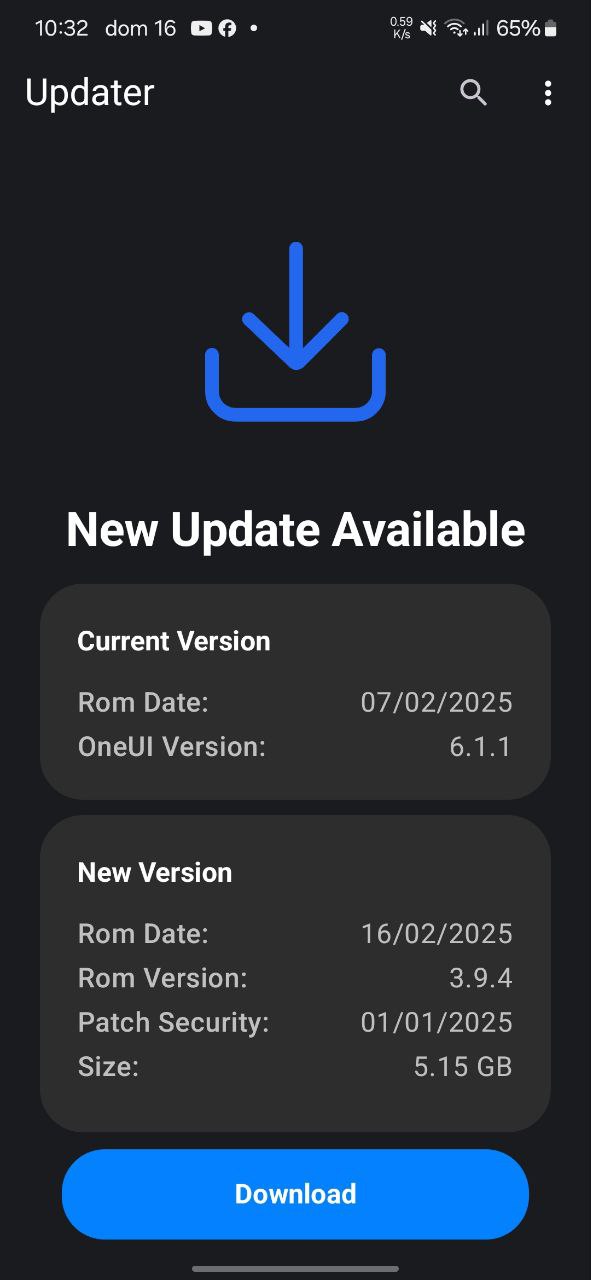
OTA Updater for LichUI

LichUI includes an OTA (Over-The-Air) updater to keep your device updated with the latest improvements and fixes.

What are OTA Updates?

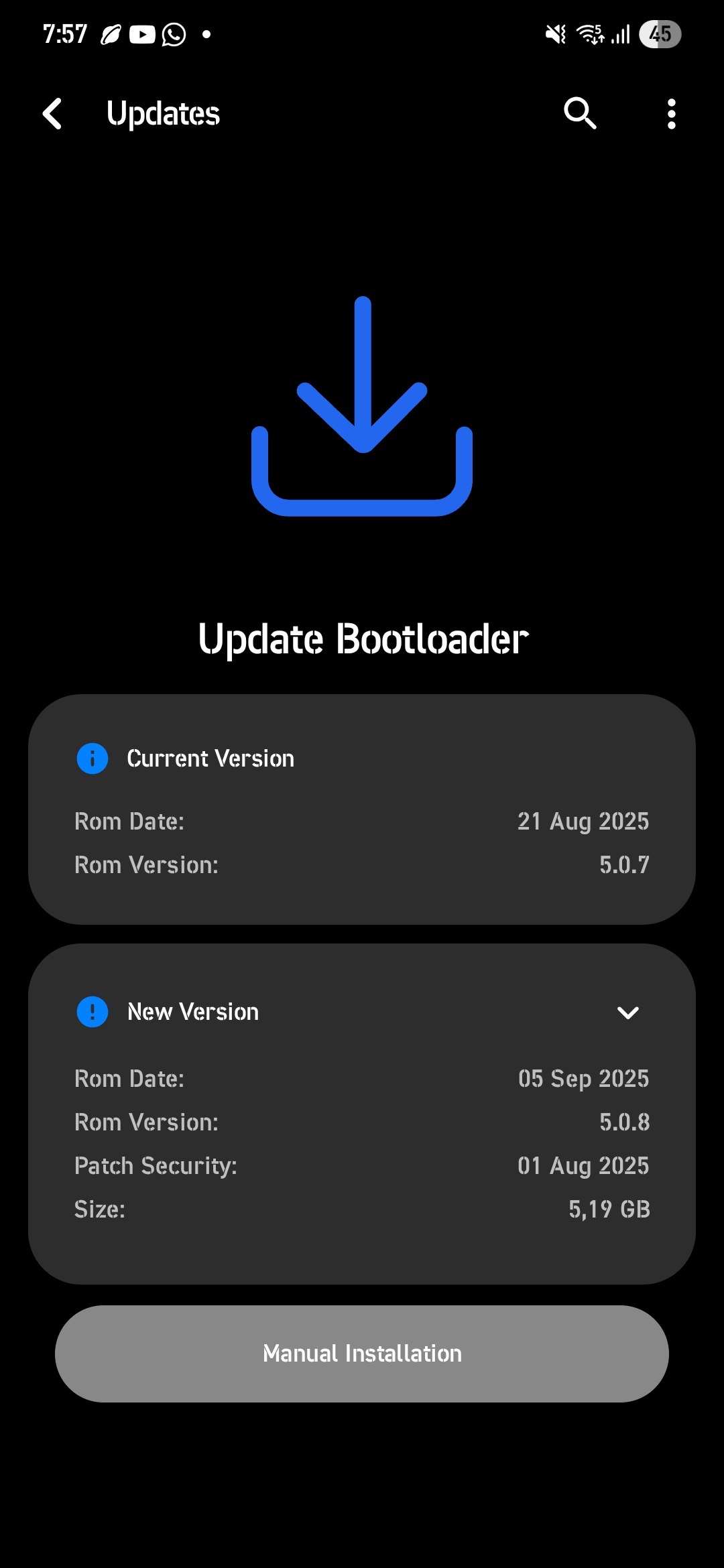
OTA updates allow you to download and install new versions of LichUI directly from your device, without the need for a computer. However, there are updates that will require a clean installation, when there is a binary change in the stock firmware.

Types of Updates

Updates via OTA

• Sames Bootloader and Binary

Odin Recovery Selection
Updates Manual

• Different bootloader and binary

Odin Recovery Selection
Download speed

• We currently do not have our own server, which causes OTA downloads to be slow depending on the time and region.

• If you would like to support the project, you can make a donation to purchase a better server (the monthly price per server is over $10 USD), or if you have your own server, you can collaborate with the project.

• First download stock img by Vaz15k repository

SM-A546B

• Reboot in recovery and flash the img´s files in respective partitions

• Clear cache and dalvik cache, and reboot recovery

• Flash new kernel and reboot system

• Enjoy new kernel